Your Digital Workplace Is Only As Modern As Your Worst App
Most enterprises have at least one application that refuses to retire. It solves an indispensable business problem, depends on obscure integrations, and runs on code that few people fully understand. Its interface may be decades old, but the business still cannot function without it.
These applications persist for legitimate reasons. Replacing them can be costly, risky, or constrained by regulatory requirements. Yet keeping them can expose organizations to security risks, productivity loss, technical debt, and a poor employee experience.
A locally dependent application can even dictate which devices employees must use. In Forrester’s Digital Workplace And Employee Technology Survey, 2026, 50% of employees say they can do most of their work in a web browser. But the word “most” matters. A few Windows-based or locally dependent applications may be enough to keep thousands of employees tied to traditional endpoint architectures.
That creates a difficult question for CIOs and digital workplace leaders: How can they modernize devices, security, cloud services, and employee experiences when a few critical applications are not ready to move?
The answer is not to wait. Organizations can modernize the workplace around legacy applications while continuing the longer process of replacing, rebuilding, or retiring them.
Legacy Applications Can Hold The Workplace Back
Legacy modernization isn’t exactly new on the CIO agenda. What is changing is the growing tension between the speed at which enterprises want to modernize and the reality of their application estates.
Application modernization plans do not always resolve that tension quickly. Forrester’s Enterprise Applications Software Survey, 2026 found that 37% of enterprise application software decision-makers are pursuing roadmaps to modernize all core legacy systems to reduce technical debt. The same survey found that 19% identify replacement cost as one of the biggest challenges to executing their software strategy.
Digital workplace leaders should therefore reframe the problem. Do not ask only, “How do we replace every old application?” Also ask, “How do we deliver a modern employee experience while that work continues?”
Cameyo Creates A Bridge Between Keeping And Replacing
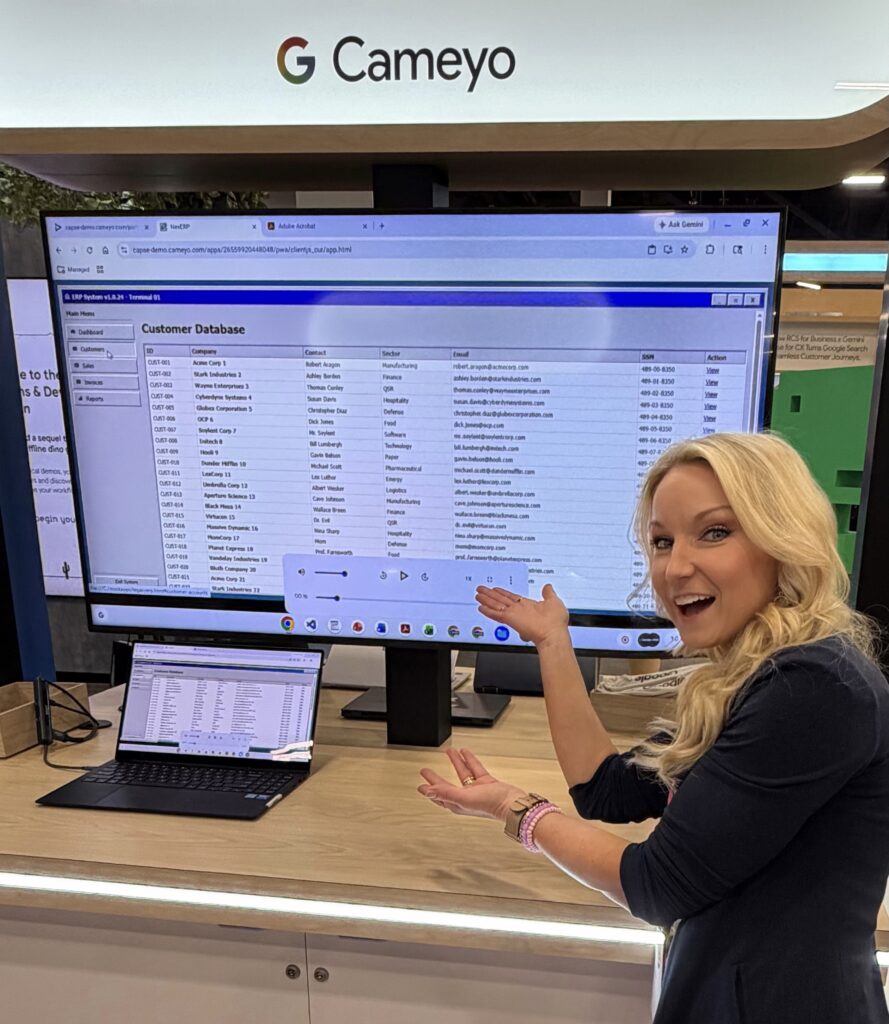
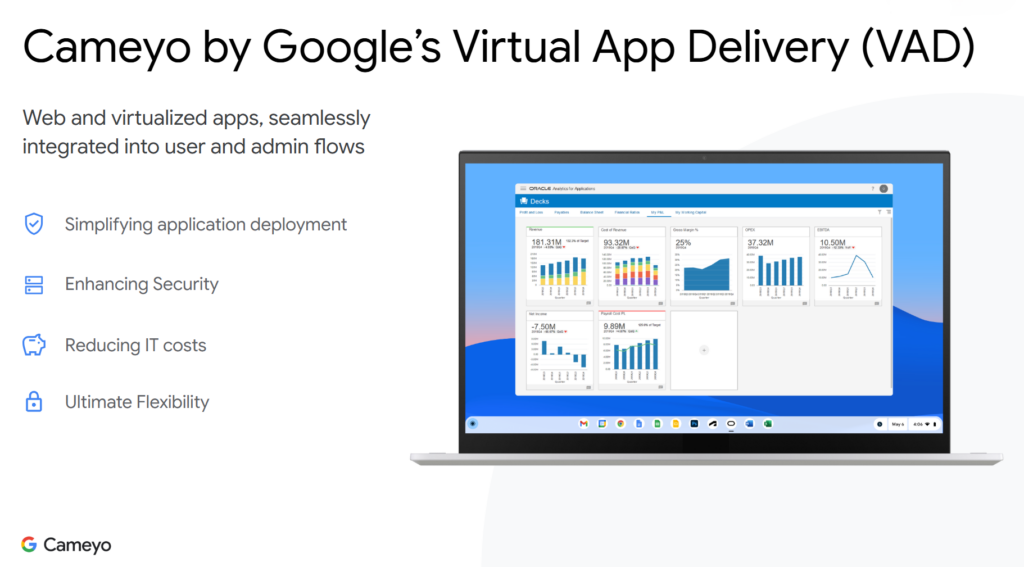
Google acquired Cameyo in 2024 after integrating its technology with ChromeOS and the broader Chrome Enterprise ecosystem. Cameyo calls its approach virtual app delivery (VAD). Instead of delivering a complete Windows desktop, it delivers individual Windows and Linux applications through a browser or as progressive web apps.
This creates an abstraction layer between the legacy application and the modern workplace. Organizations gain another option besides preserving the existing environment unchanged or completing an expensive replacement program before anything else can improve. They can modernize around the application while its longer-term disposition remains under review.
Google’s vision is broader than application virtualization alone. Cameyo brings legacy applications into the browser, applies Chrome Enterprise security controls around them, and creates the potential to extend AI capabilities with Gemini to applications that were never designed with AI in mind.
Humana Refused To Let Legacy Apps Dictate Its Future
Humana, a Nordic healthcare and social services company, encountered this issue while moving from Microsoft technologies to Google Workspace and ultimately ChromeOS. The company still relied on several legacy Windows applications, and CIO Adam Nerell viewed Cameyo as one piece of the technology puzzle that could enable the company to run those applications securely during the transition.
What had been a long-term modernization challenge became a more immediate priority after a cybersecurity incident drew attention to the risks of operating legacy applications without multifactor authentication. According to Nerell, Humana was able to deploy Cameyo in 45 minutes and publish those applications securely. The company now has approximately 2,000 Chromebooks deployed and about 150 concurrent Cameyo users on a typical day. It uses the technology for legacy Windows applications and for web applications that it does not want to expose directly to the internet.
But Nerell also offered the most important caution: “It’s not the end of the journey,” a reminder that wrapping technical debt does not eliminate it. Humana isn’t using Cameyo as an excuse to preserve every legacy application indefinitely. For many applications, once they are published through Cameyo, the organization continues looking for an eventual replacement. The VAD approach allows its workplace and application modernization efforts to proceed on more flexible timelines.
Centralized Delivery Can Improve Operations
Virtual delivery can also change how IT supports aging applications. When an application runs across hundreds or thousands of endpoints, a software issue can become a device problem, an operating system problem, a driver problem, a patch problem, or some confusing combination of all four.
Humana instead maintains its published applications centrally. Updates and fixes occur in one place, and the company delivers applications to employees as progressive web apps — including file associations that make the experience feel considerably more native. Additionally, it also experienced a reduction in help desk tickets associated with its largest Cameyo-published application. Nerell described the experience simply: “Employees don’t even think about it.”
Visibility into usage through Cameyo can also further inform lifecycle decisions. Humana uses Cameyo-enabled visibility into application data to identify software that people consider critical but rarely use. IT can then make more evidence-based decisions about whether to retain, replace, rebuild, consolidate, or retire an application.
AI Expands The Possibility, But Readiness Is Key
Imagine that horrible 20-year-old application with 14 tabs, incomprehensible field names, no usable search capability, and a workflow that takes an experienced employee 17 clicks to complete.
Rebuilding the underlying application to improve the user experience might require millions of dollars and years of work. But what if an AI layer could understand what’s displayed in the browser, help an employee find information, summarize what’s there, guide the employee through a workflow, or eventually perform portions of that workflow on their behalf?
Google positions Cameyo as a way to bring legacy applications into the browser and eventually add AI-assisted experiences. In principle, an AI layer could reduce friction in the application experience without rebuilding the underlying system.
That opportunity remains prospective. Humana is not using those capabilities today. Nerell has seen demonstrations of Gemini interacting with legacy applications through the browser and sees promise, but he said the company is not ready to deploy them.
Putting an intelligent interface in front of a legacy application doesn’t automatically solve issues with data quality, permissions, fragmented information, workflow complexity, or decades of embedded business logic. AI can provide a new door into an old house, but it doesn’t rebuild the plumbing.
What Digital Workplace Leaders Should Do Now
Cameyo reinforces a broader lesson about workplace modernization: Don’t let the oldest application in your estate dictate the architecture of your entire digital workplace. For CIOs, end-user-computing teams, and digital workplace leaders, consider four actions:
- Identify the applications constraining workplace modernization. Find the relatively small number of Windows, Linux, custom, or locally dependent applications that prevent browser-first work, simpler endpoint strategies, modern security controls, or broader cloud adoption. Prioritize workloads based on their effect on the employee environment rather than virtualizing the entire application portfolio.
- Treat virtual app delivery as a bridge. Give every virtually delivered application an explicit lifecycle decision: Retain, replace, rebuild, consolidate, or retire. Review that decision regularly. Virtual delivery should create room for modernization, not become another permanent layer of technical debt.
- Evaluate work patterns before choosing technology. Applications that depend on specialized peripherals may not be good candidates for virtual delivery. Humana, for example, still requires Windows machines in scenarios involving medical equipment and hardware used to program door locks because of USB pass-through limitations. Match each application to the role, workflow, performance requirement, support burden, and security need it must serve.
- Modernize what you can without waiting for everything. Do not let the oldest application in the estate dictate the architecture of the entire digital workplace. Isolate what must remain, improve the employee experience around it, and continue working toward its eventual replacement.
Build A Modern Workplace While Managing Legacy Reality
Having spent my career working for organizations in highly regulated, decades-old industries that are continuously navigating technology change, I understand the realities of modernizing environments built on legacy applications, infrastructure, and processes. If you’re a Forrester client grappling with legacy applications, endpoint complexity, security modernization, or browser-first workplace strategies, schedule a guidance session. Together, we’ll build a practical roadmap that delivers measurable experience improvements while making smart, strategic decisions about long-term modernization and application lifecycle investments.
Related Forrester Content